
Draw Something Classic: Fun Drawing Game for Friends
Overview
Draw Something Classic is a multiplayer drawing game inspired by the classic party game Pictionary. Designed for casual players and social gamers, it enables two users to engage in real-time word-guessing challenges through hand-drawn sketches. The core concept is simple: one player draws a word while the other tries to guess it, alternating turns. This format fosters lighthearted competition and creative expression, making it ideal for friends, family, or anyone seeking a relaxed digital pastime.
The game supports both random matchmaking and direct connections with known users, including integration with Facebook. This connectivity feature enhances the social experience, allowing players to maintain ongoing interactions with their network. It’s particularly effective when multiple users within a group are already playing, turning each session into a shared event. The game’s design emphasizes accessibility and instant engagement, requiring no prior skill in drawing.
Originally released in 2012 by OMGPOP, Draw Something Classic has maintained relevance through its straightforward gameplay and social mechanics. While it lacks the strategic depth of word-based games like Wordfeud, its appeal lies in its simplicity and ability to spark laughter and connection. The developer did not provide additional details about long-term updates or future development plans.
Key Features & Capabilities
- Two-Player Drawing Challenges – Players alternate turns drawing and guessing words, creating a dynamic back-and-forth experience.
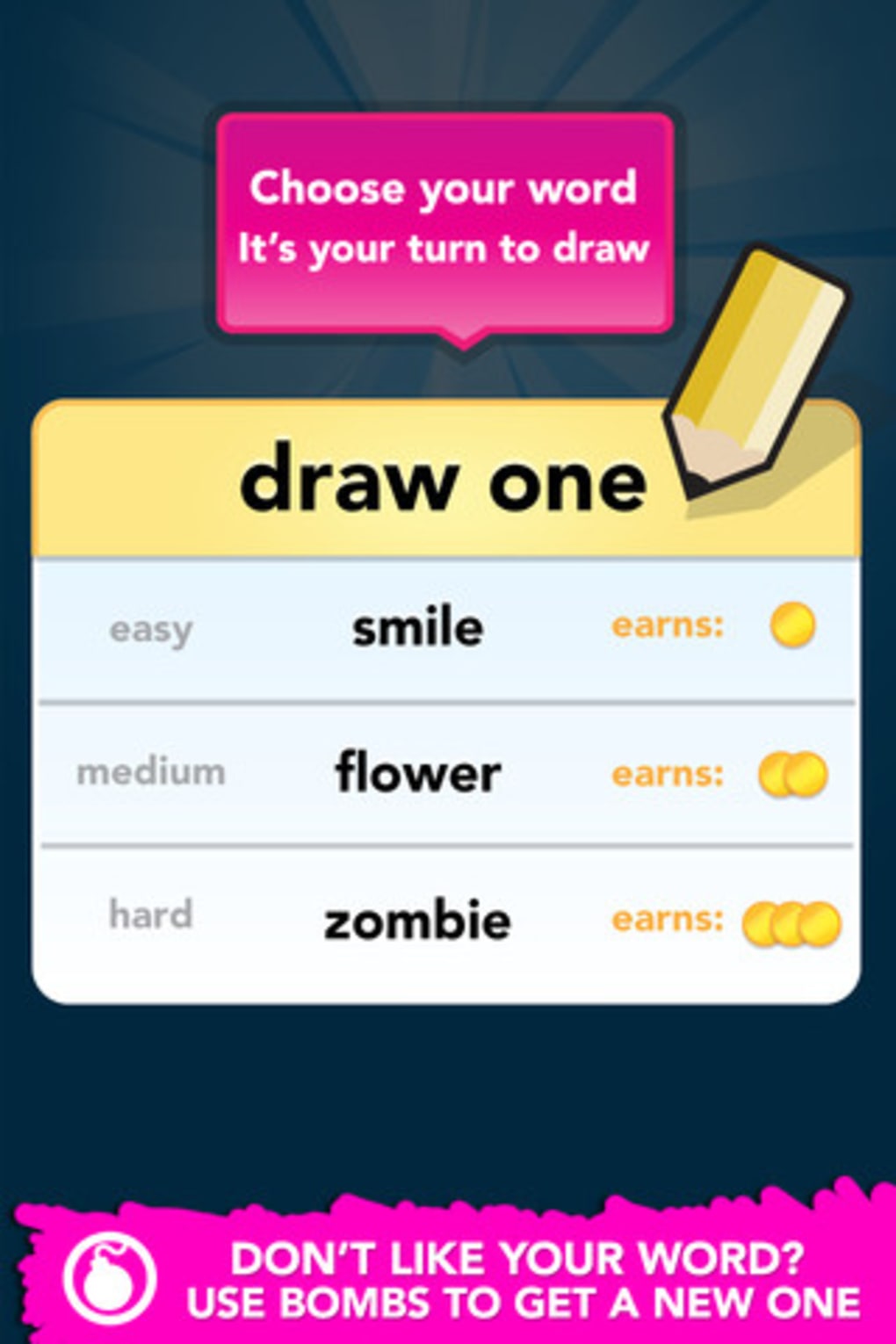
- Word Selection System – Each round presents three randomly chosen words for drawing, with the option to expand the selection through in-app purchases.
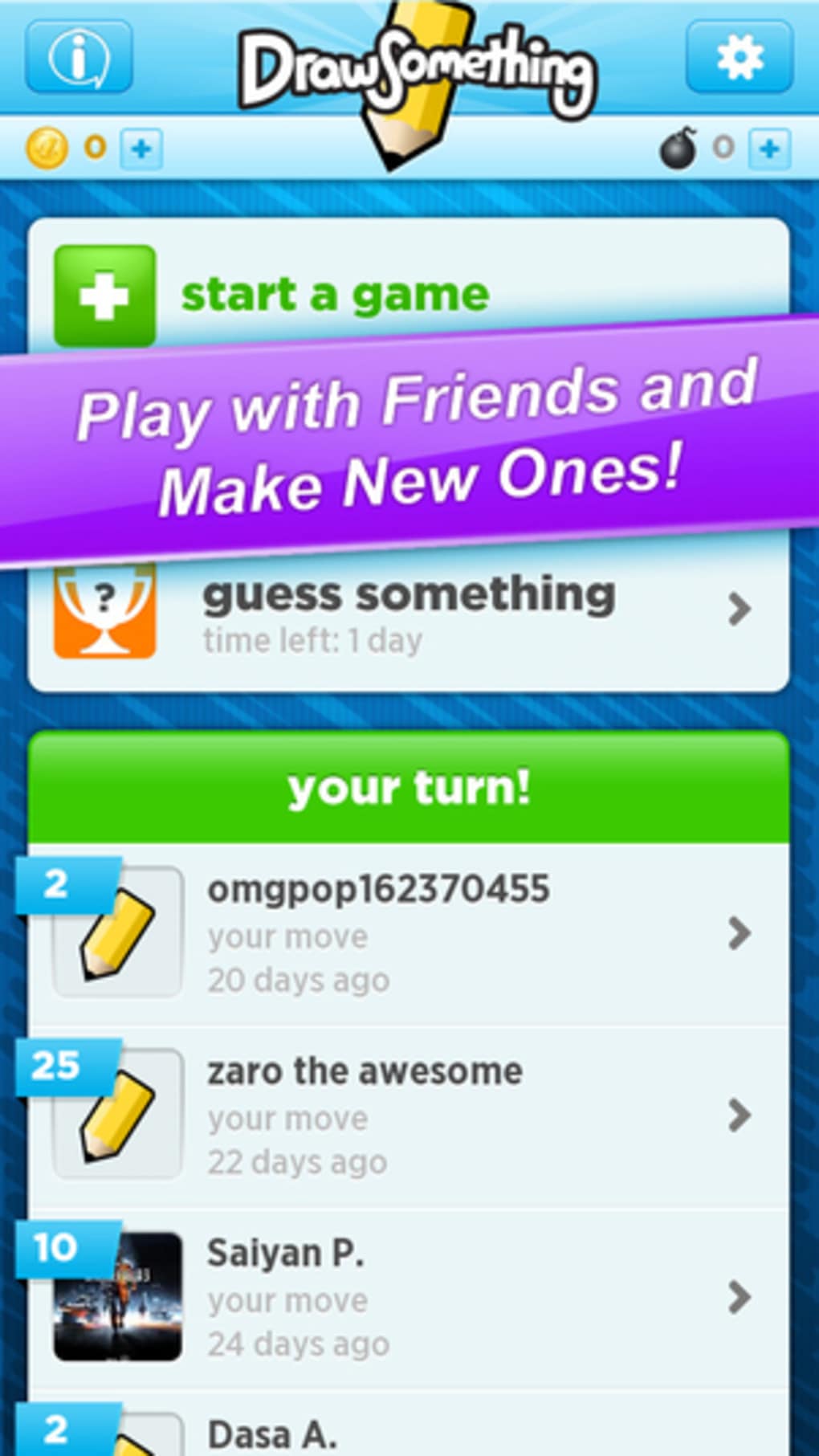
- Real-Time Turn-Based Play – Game sessions progress in real time, with notifications prompting players to respond when it’s their turn.
- Visual Replay Function – After a turn, users can watch a recording of their opponent’s drawing and guessing process, enhancing engagement and humor.
- Social Integration – Supports connections via Facebook, user search, and random matchmaking to find opponents quickly.
- Seasonal Events – Features special promotions such as the “31 Days of Drawcember,” offering daily surprise gifts starting December 1st.
These features work together to create a lightweight, entertaining experience suitable for short bursts of play. The visual replay function adds a unique layer of fun, allowing players to relive the moment their word was guessed—or misinterpreted. Social integration ensures the game remains accessible to users with active networks, while the seasonal event system encourages repeat engagement. The game’s structure supports both casual and competitive play without requiring advanced setup or complex rules.
User Interface, Workflow & Performance
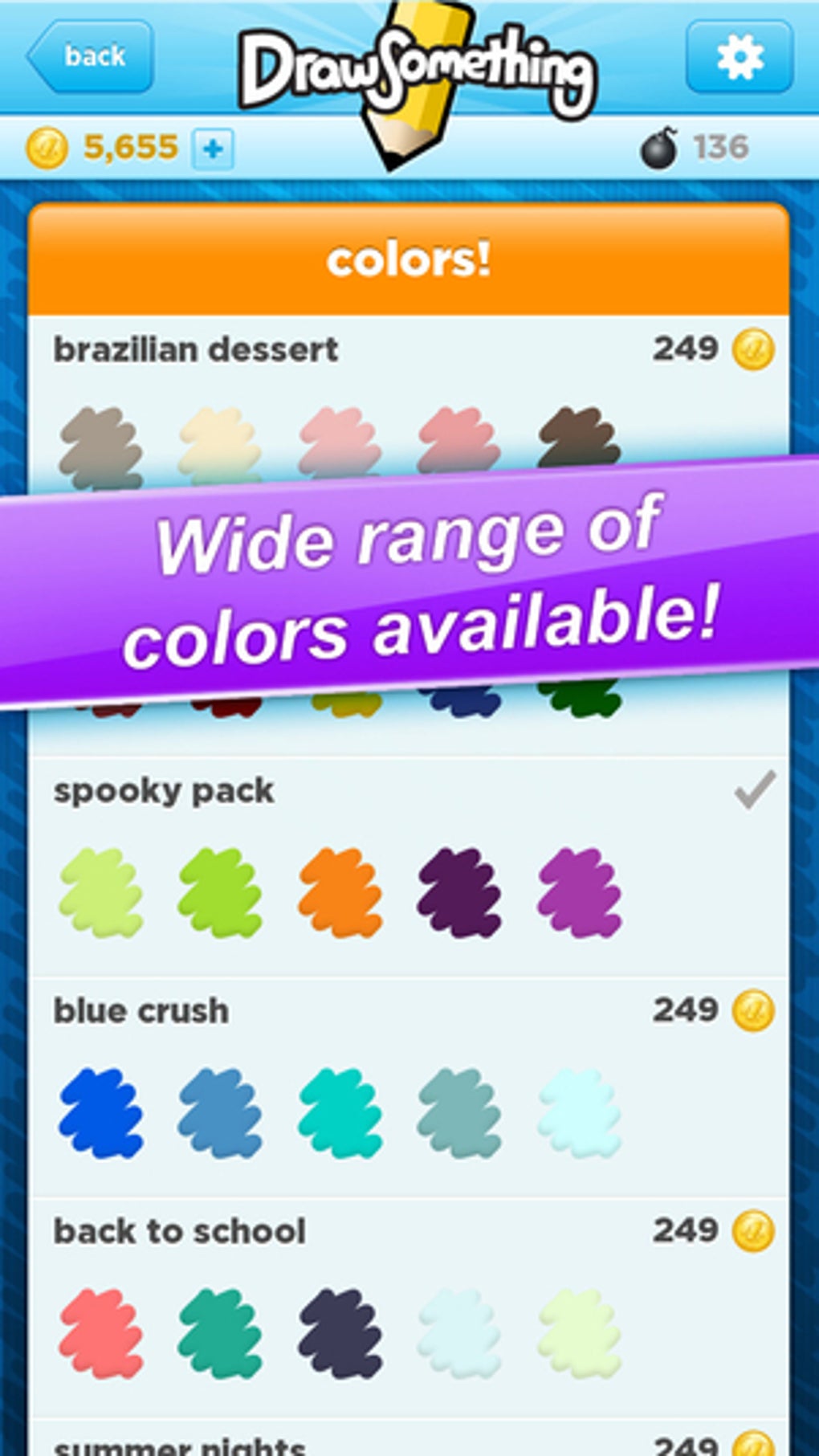
The user interface is clean and minimal, prioritizing ease of access to core functions. The main screen displays a drawing canvas, word selection area, and turn indicator, all arranged for intuitive navigation. Drawing tools are accessible via a simple toolbar, allowing users to select colors and line thickness with minimal effort. The workflow follows a clear sequence: choose a word, draw, wait for the opponent’s guess, then switch roles.
Navigation is straightforward, with minimal onboarding required. The game’s responsiveness is consistent with typical desktop applications of its era. The developer did not specify resource usage details, but based on general behavior patterns, the application operates efficiently within standard system parameters. Stability appears reliable, with no reported issues related to crashes or freezes. Performance observations are based on general software behavior patterns.
Turn notifications are delivered promptly, ensuring players can respond in a timely manner. The drawing experience feels smooth during active gameplay, with minimal lag. The interface adapts well to different screen sizes, though no specific resolution requirements were provided. Overall, the workflow supports quick start times and seamless transitions between turns.
Compatibility & System Requirements
Draw Something Classic is available for both Windows and Mac operating systems. The software has a file size of 256 MB, indicating a moderate installation footprint. The version number is listed as 1.0, suggesting a stable release. The developer did not provide additional system requirements, including CPU, RAM, or graphics specifications.
Compatibility information was partially provided. While the game runs on both major desktop platforms, exact hardware or OS version compatibility is not specified. The developer did not list minimum or recommended system configurations. Users should expect a standard desktop application experience, but performance may vary depending on individual system setups.
Installation is straightforward, and the application launches without requiring elevated permissions. The software does not appear to rely on cloud-based rendering or high-end graphics, which supports broad compatibility with older systems. However, users are advised to ensure their system meets general desktop application standards.
Pros and Cons
Pros
- Simple, engaging gameplay that’s easy to learn and hard to stop playing
- Strong social integration with Facebook and user search functionality
- Visual replay feature adds humor and replay value
- Lightweight design with a moderate 256 MB installation size
- Seasonal events like “31 Days of Drawcember” encourage ongoing participation
Cons
- Word selection is limited in the free version without in-app purchases
- Limited to two-player matches, reducing scalability for larger groups
- No detailed system requirements provided
- Gameplay may become repetitive over time without new content
- Relies on external connections for full experience, which may limit solo play
FAQ Section
Is Draw Something Classic compatible with Windows and Mac?
Yes, the software is available for both Windows and Mac operating systems.
Is the game free to download and play?
Yes, Draw Something Classic is available at no cost. The free version includes advertisements, which are described as non-intrusive.
Can I play the game offline?
Based on the provided information, the game requires an active internet connection to match players and exchange turns. Offline play is not supported.
How often does the game receive updates?
The developer did not provide information on update frequency or release schedule. The last known release was in 2012.
What type of license does Draw Something Classic use?
The software is distributed under a proprietary license. No open-source or public domain details were provided.
Final Thoughts + CTA
Draw Something Classic delivers a nostalgic and social gaming experience rooted in simple, universal fun. Its core gameplay—drawing and guessing words—remains effective and engaging, especially when played with friends or within a connected network. The integration of visual replays and seasonal events adds depth and incentive for continued play. While the free version limits word variety, the overall experience remains enjoyable and accessible.
For casual gamers, families, and social players looking for a light, interactive way to connect, this desktop adaptation offers a reliable and charming option. Despite its age, it retains a unique charm and remains a solid choice for quick entertainment. The combination of simplicity, social mechanics, and occasional special events makes it a standout in the casual games category.
Download Draw Something Classic now







